Step 4 · PO
Orders that match what you approved.
Request quotes and create purchase orders (POs) from the style, right next to its specs.
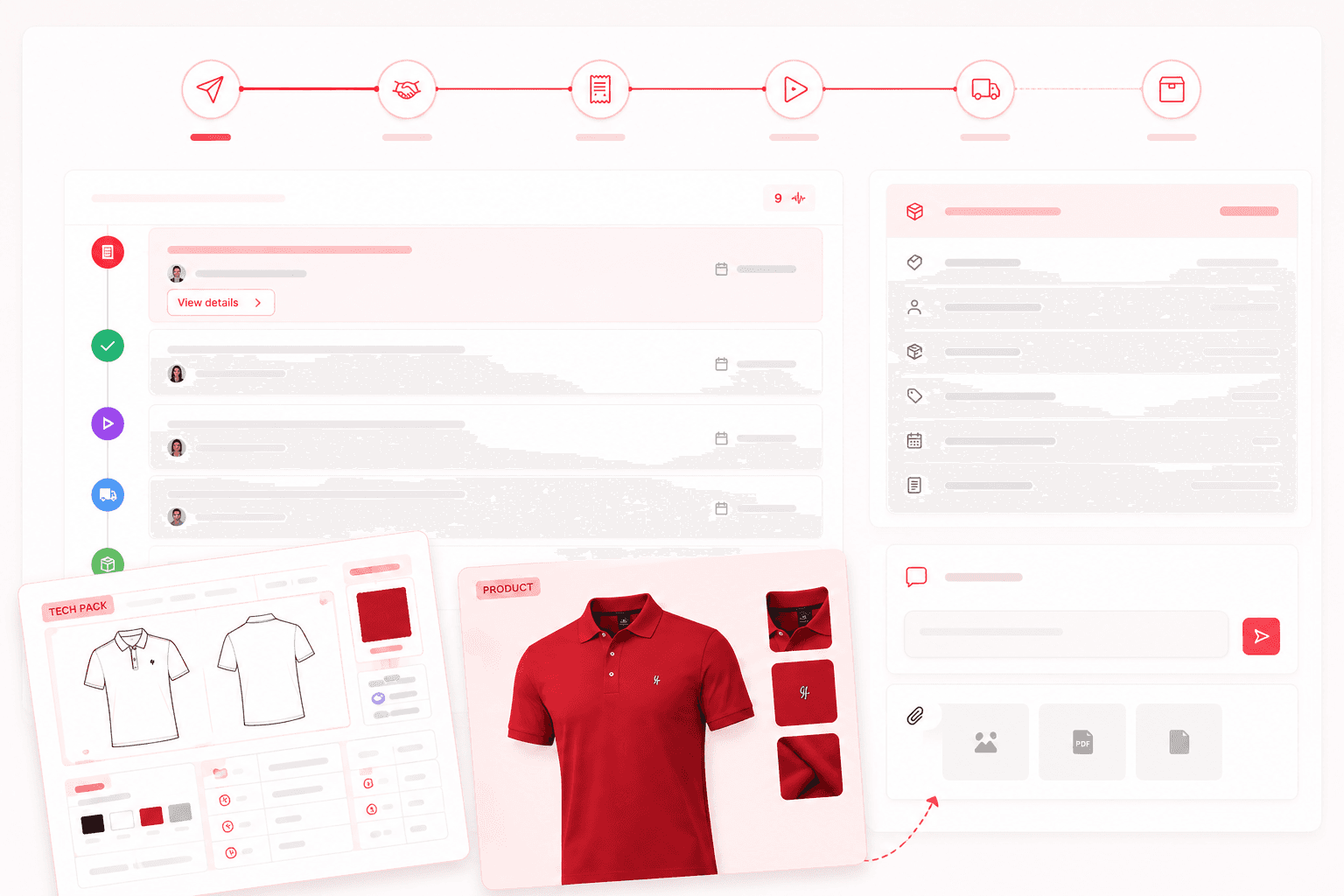
Fig 06 · PO against spec
The challenge
Orders drift away from the specs.
Quotes arrive in different formats, and the final PO is retyped into a separate spreadsheet.
What it costs you
Mismatches become price disputes, wrong quantities, or the wrong version in production.
Quotes and POs in Aura
- 01Coming soon
Like-for-like quotes
Send quote requests with the tech pack, then compare price, lead time, and terms.
- 02
POs from the style
Create the PO on the style with quantities, prices, and dates, tied to the approved tech pack.
The journey
Where this step fits

See this step with your own styles
We will walk you through it with a style and partners like yours.
Book a demo